
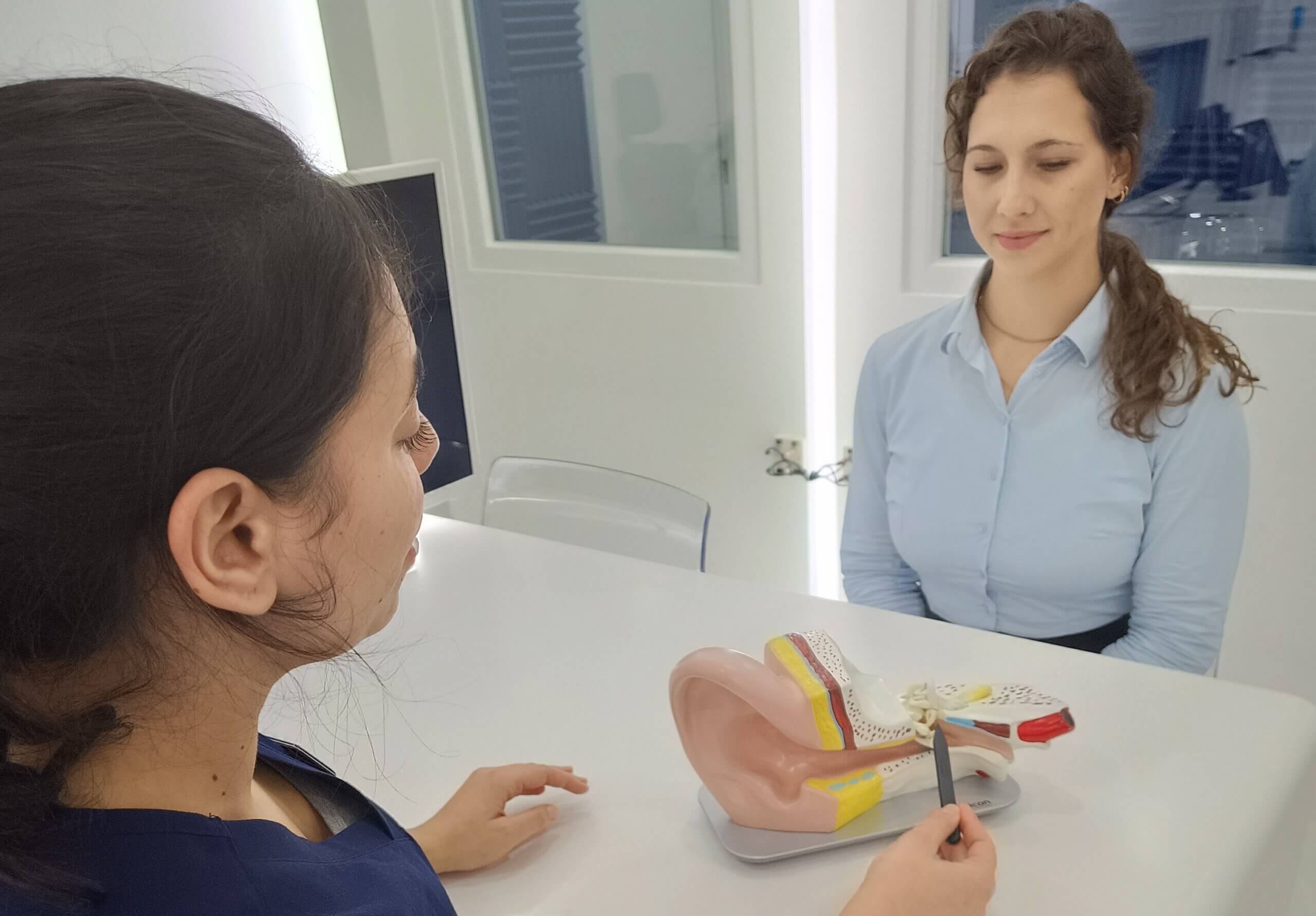
Glue Ear: Symptoms, Causes and Treatment Explained
Have you heard of glue ear? It’s a common condition, particularly in children, but how much do you really know


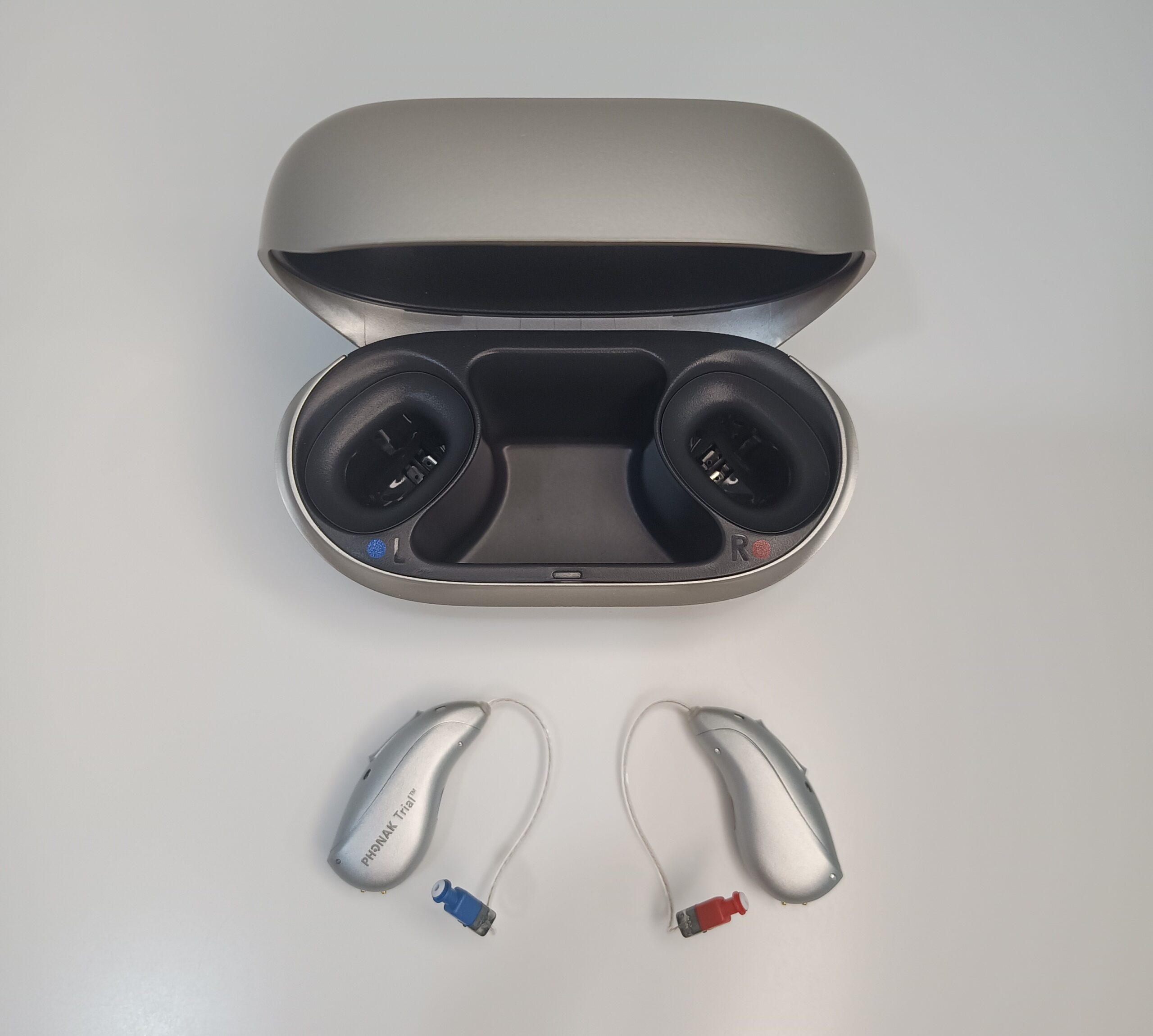
Whether you use an iPhone or an Android phone, connecting your hearing aids can make everyday communication more convenient and enjoyable.
If you’re unsure how to get started, don’t worry. In this guide, we’ll explain how to connect your hearing aids to your smartphone, troubleshoot common Bluetooth connection problems and explore the benefits of hearing aid connectivity.
Your smartphone is one of the most useful devices to pair with your hearing aids. Once connected, it can give you greater control over your listening experience and help you stay connected throughout the day. Depending on your hearing aid model and smartphone, connecting the two devices can allow you to:
Your hearing care professional will usually help you connect your hearing aids to your smartphone during your fitting appointment. However, you may occasionally need to reconnect them if the Bluetooth connection is lost, you replace your phone or you want to connect a new device.
The process is generally straightforward, although the exact steps can vary depending on your hearing aid manufacturer, model and smartphone.
First, make sure Bluetooth is enabled on your phone.
On an iPhone:
On an Android phone:
Keep your hearing aids close to your smartphone while completing the pairing process.
Check that your hearing aids have sufficient battery power or are adequately charged.
If your hearing aids are rechargeable, make sure they are switched on and removed from their charging case, if required by your model. For hearing aids with disposable batteries, follow the manufacturer’s instructions for restarting them.
If you are reconnecting hearing aids that were previously paired, switching them off and on again may help make them discoverable.
If you use an iPhone, the pairing process depends on whether your hearing aids support Apple’s hearing device connection feature.
For compatible hearing aids:
Once connected, your hearing aids should appear as paired devices.
Some hearing aids connect through the standard Bluetooth menu or require the manufacturer’s companion app instead. If you cannot find your hearing aids under Hearing Devices, check the instructions for your particular model.
If you use an Android smartphone, you can usually begin pairing through the Bluetooth settings. Some compatible hearing aids also support Google’s dedicated hearing device pairing features.
To get started:
Depending on your hearing aids and Android phone, you may also need to install the manufacturer’s app to access additional settings and features.
Top tip: If your hearing aids do not appear in the list of available devices, restart them and try again. You may also need to disconnect them from another device before pairing them with your smartphone.
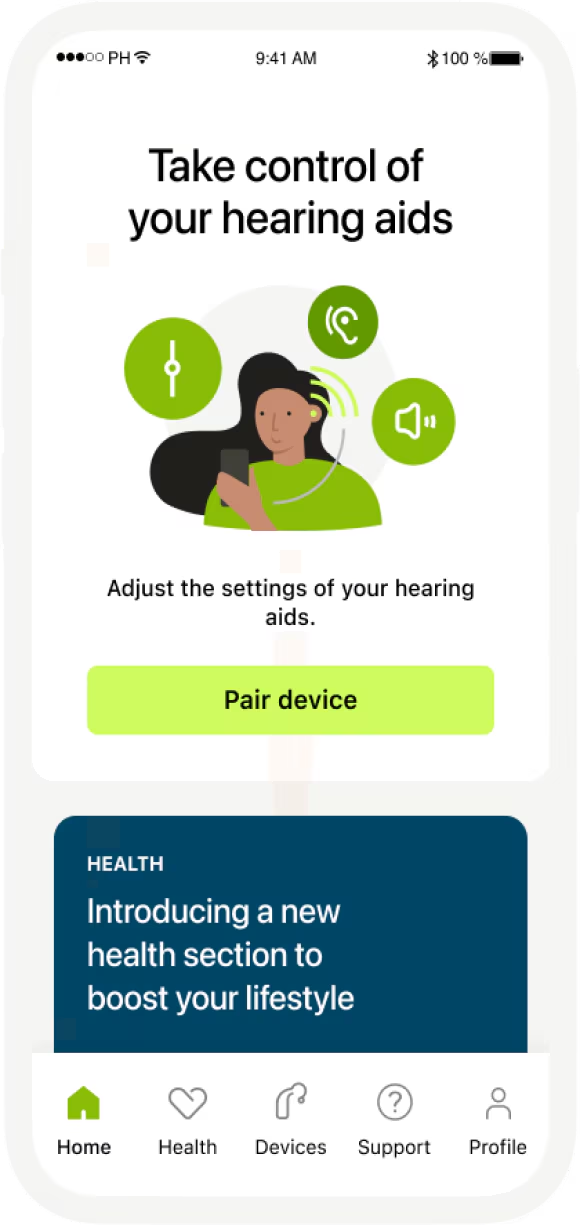
Once your hearing aids are connected, consider downloading the companion app recommended by your hearing care professional.
Many hearing aid manufacturers offer apps that allow you to adjust volume, switch listening programmes and personalise settings directly from your smartphone. The available features depend on your hearing aid model and phone.
Your hearing care professional can help you identify the correct app and show you how to use it.
Once your hearing aids are connected to your smartphone, you may be able to stream a variety of sounds directly to your ears.
Depending on your devices, these include:
Bluetooth connectivity can make everyday activities more convenient, particularly when you want to listen without increasing the volume for everyone around you.
Yes, many hearing aids can be connected to a television using a compatible TV streaming accessory. This can allow you to hear the television’s sound directly through your hearing aids, giving you greater control over your listening experience.
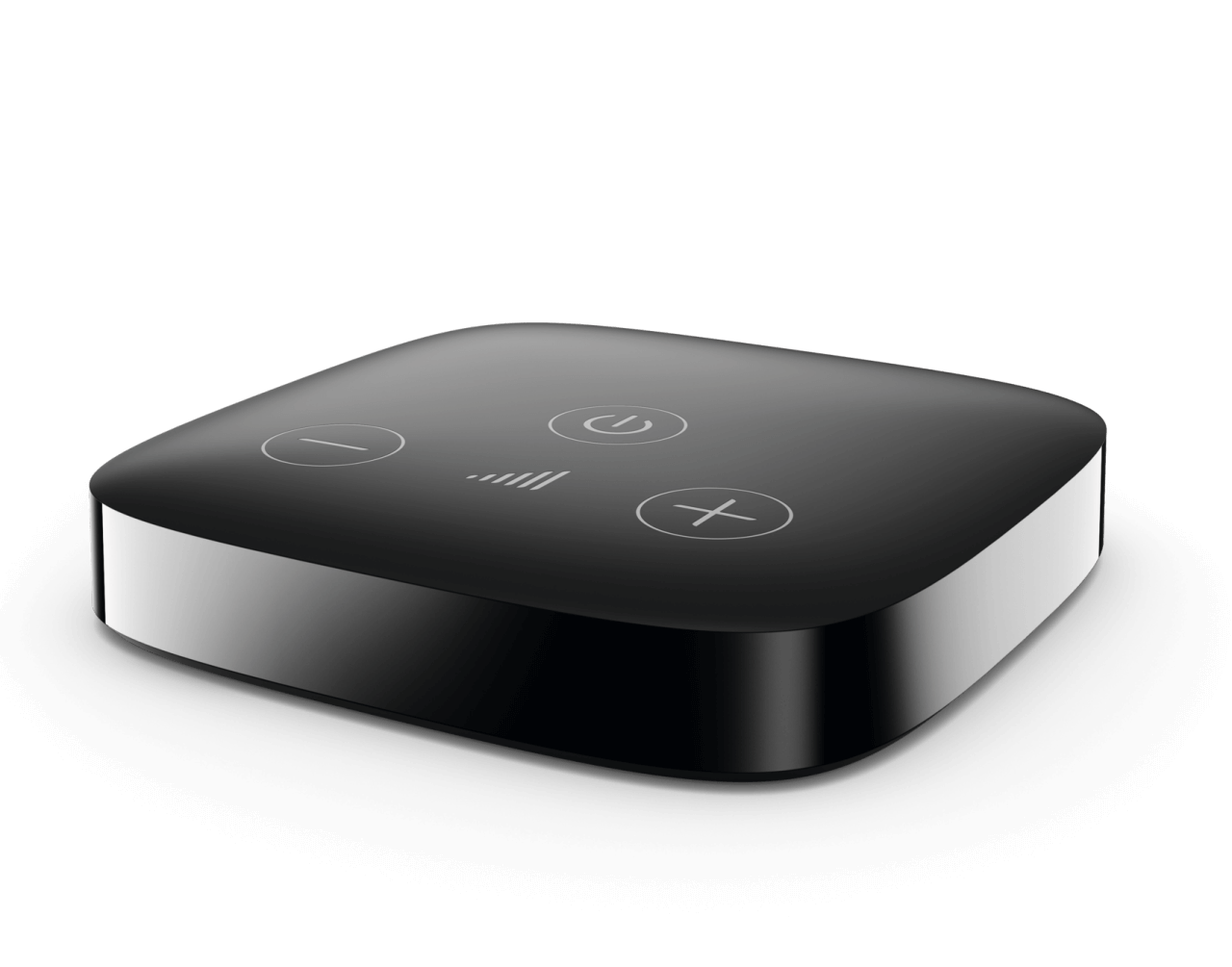
The equipment you need will depend on your hearing aid model and television. Some setups may also support other connection methods.
Speak to your hearing care professional about compatible TV streamers and other accessories. They can help you choose a solution that suits your hearing aids and your home entertainment system.
Occasionally, your hearing aids may fail to connect to your smartphone or the Bluetooth connection may stop working. Before contacting your hearing care professional, try these troubleshooting steps:
If your hearing aids still will not connect, avoid repeatedly resetting them without checking the manufacturer’s guidance. Your hearing care professional can help identify the cause and talk you through the next steps.
Connecting your hearing aids to your smartphone can open up a range of useful features, from clearer phone conversations to convenient audio streaming and personalised hearing settings.
Although the pairing process may look a little different on an iPhone or Android phone, it is often simple once you know where to look. Remember that the available features and connection methods vary between hearing aid models and smartphones.
If you need help connecting your hearing aids, choosing the right accessories or resolving a Bluetooth issue, our team is here to help.
Get in touch today for friendly advice or to book a hearing aid service appointment. We’ll be happy to help you get the most from your hearing technology.
Have you heard of glue ear? It’s a common condition, particularly in children, but how much do you really know
Modern hearing aids offer much more than improved hearing. Many Bluetooth-enabled hearing aids can connect to your smartphone, allowing you
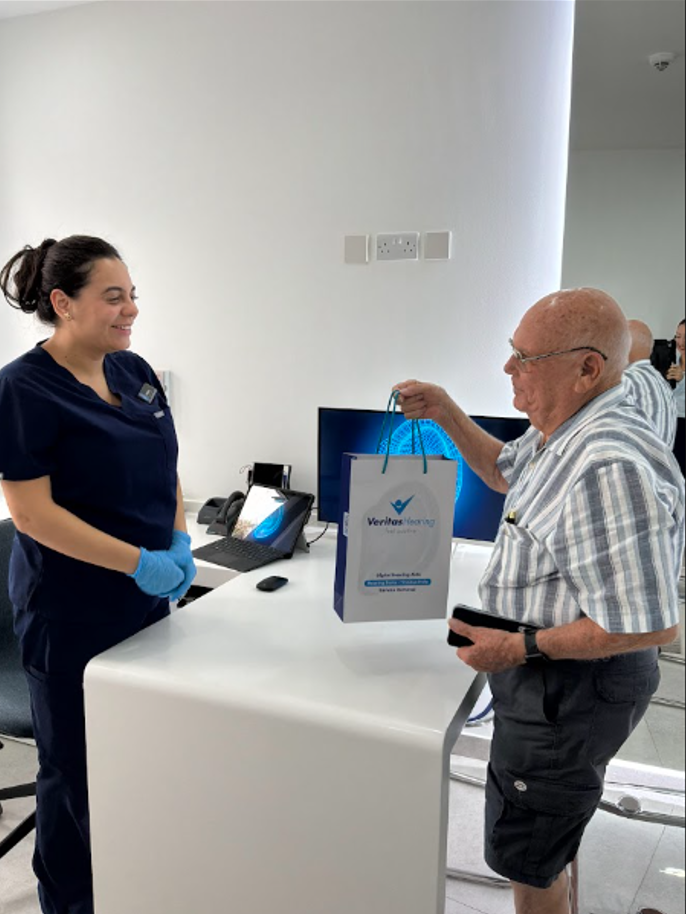
If you’re wondering whether it’s appropriate to gift a hearing consultation to a loved one, the short answer is yes!